TikTok Conversions API Setup: Fix Inflated Ad Tracking
TikTok’s default 7-day click / 1-day view attribution window claims credit for sales it had nothing to do with, while ad blockers and iOS restrictions simultaneously hide real conversions from the browser pixel. Fixing your ROAS requires two separate changes: a server-side Conversions API integration and an attribution window adjustment in Ads Manager. Most guides only cover one.
Want the whole attribution stack built for you instead of piecing it together? Start with Make.com — the platform this entire setup runs on.
Video walkthrough
Full architectural breakdown of how TikTok’s view-through attribution inflates ROAS and how to fix it with a server-side integration.
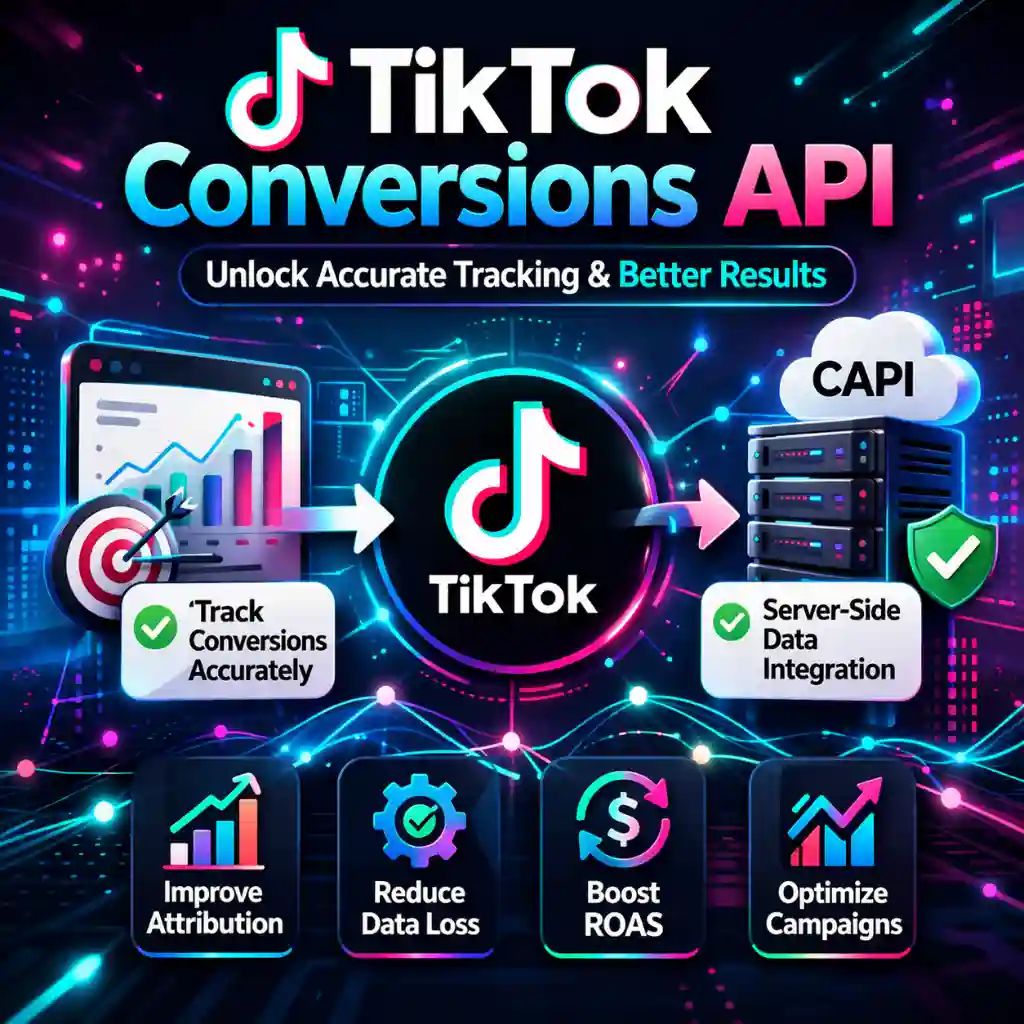
Scaling TikTok ad spend without server-side tracking is like reading a speedometer that adds 40% to every reading. You think you’re doing 60 mph. You’re doing 40. The TikTok browser pixel has the opposite problem from Meta’s — instead of only losing data, it also invents data by crediting itself for conversions it never influenced.
Why the TikTok pixel over-reports
TikTok Ads Manager defaults to a 7-day click-through attribution window paired with a 1-day view-through window. The view-through half is the culprit: any user who saw your ad — including someone who scrolled past it for half a second without clicking — gets attributed to your campaign if they buy something within 24 hours, even if they found your product through a Google search, a friend’s recommendation, or direct memory.
The result: your ROAS dashboard shows numbers that look real but reflect a mix of genuine paid conversions and organic sales the pixel borrowed credit for. Reported inflation from this effect is commonly cited in the 15–60% range depending on audience overlap and reach — the more of your existing customer base TikTok’s algorithm reaches organically, the worse the distortion. Campaigns that are actually losing money appear profitable. You scale them. Ad spend increases. Real returns do not.
The fix has two parts, not one
Most guides treat “install the Conversions API” as the whole fix. It isn’t. The Conversions API and the attribution window solve two different problems, and skipping either one leaves half the distortion in place.
| Problem | Cause | Fix |
|---|---|---|
| ROAS inflated by view-through credit | 1-day view-through window claims sales the ad never influenced | Set the ad group’s attribution window to click-through only (view-through off) in Ads Manager |
| Real conversions missing from data | Ad blockers, iOS ATT, and TikTok’s in-app browser strip the pixel’s data | Install the TikTok Conversions API for server-side, payment-verified data |
Do only the first and your dashboard will still be missing real conversions, undervaluing campaigns that are actually working. Do only the second — which is what most Conversions API tutorials stop at — and your dashboard keeps crediting organic sales to TikTok ads that never touched them. You need both changes to get a number you can trust.
What the TikTok Conversions API actually is
The TikTok Conversions API (sometimes called the Events API) is a direct connection between your backend server and TikTok’s data infrastructure. Instead of waiting for a browser to fire a pixel tag after a purchase, your server sends a verified conversion event — including the buyer’s hashed email and the TikTok Click ID (ttclid) — directly to TikTok’s endpoint.
Because the data comes from your payment processor and not from a browser, it is not affected by ad blockers, iOS privacy restrictions, or TikTok’s in-app browser sandbox. It only fires when a real transaction completes, which is exactly why it needs to be paired with the attribution window fix above rather than treated as a replacement for it.
Browser pixel vs. Conversions API
| Factor | Browser pixel | Conversions API |
|---|---|---|
| Affected by ad blockers | Yes | No — server-side |
| Affected by iOS privacy changes | Yes | No |
| Affected by in-app browser sandbox | Yes | No |
| Data source | Browser (unreliable) | Payment processor (verified) |
| Fixes view-through over-crediting | No | No — this needs the attribution window setting |
| Setup complexity | Low — paste a tag | Medium — requires webhook + hashing + dedup |
The Conversions API and the browser pixel are meant to run together, with matching event_id values — see the deduplication section below.
How the Make.com integration works
Make.com handles the entire routing sequence without requiring you to write or host custom server code. The flow runs automatically every time a payment completes.
Payment webhook fires
Stripe or Shopify sends a webhook to Make.com the moment a transaction is confirmed. The raw JSON payload contains order value, customer email, and any URL parameters captured at checkout.
Make.com extracts, hashes, and assigns a shared event_id
Make.com pulls the ttclid from the payload, normalises the customer email to lowercase, removes whitespace, applies SHA-256 hashing, and reuses the same event_id your browser pixel already sent for that order.
Verified payload sent to TikTok Events API
Make.com posts the formatted JSON to TikTok’s Events API endpoint. TikTok receives a confirmed purchase tied to a real click and a matching event_id, so it merges rather than double-counts.
Prerequisite: you need a working webhook interceptor first
This flow requires your payment processor to send webhook events to Make.com before any conversion data can be routed. If you have not set that up yet, start with the guide to configure a Make.com Stripe webhook before continuing here.
Building the webhook, hashing, and dedup logic from scratch takes a real afternoon. The complete scenario — TikTok, Meta, and GTM routing in one place — is already built.
Deduplication: don’t double-count
Running the browser pixel and the Conversions API in parallel is the correct architecture — the pixel captures behavioral signal, the API guarantees the conversion is recorded. But it introduces a new risk in the opposite direction: if both fire for the same purchase without a shared event_id, TikTok counts it twice.
TikTok’s deduplication logic matches on event_id the same way Meta’s does. If your pixel sends one event_id and your server-side call generates a different one for the same order, TikTok’s Events Manager Diagnostics tab will surface a duplicate-events warning, and your reported purchase volume will be inflated — undoing the accuracy you just built the server-side integration to get.
Match quality matters too
Beyond deduplication, aim for an Event Match Quality (EMQ) score of 8.0 or higher by sending hashed email, phone, IP address, and ttclid together on every event. Higher EMQ is commonly associated with meaningfully more attributed conversions, since TikTok can tie the server event to a known user profile more reliably.
EU / UK stores: consent gating is your responsibility
TikTok’s Events API does not automatically respond to Consent Mode v2 “denied” signals the way Google’s tags do. If you serve EU or UK traffic, your consent management platform needs to block the server-side call itself when a visitor has not granted marketing consent — the Events API firing is not conditioned on consent by default, and that gap is a compliance risk, not just a data-quality one.
Payload formatting requirements
The TikTok Events API documentation enforces strict rules on the JSON structure you send. Getting any of these wrong causes the server to reject the payload silently.
-
Capture the
ttclidon your landing page. TikTok has appended this parameter to ad landing-page URLs automatically since April 2024, but your site still has to read the value and pass it through to the order object at checkout. Without it, TikTok cannot match the conversion to the correct campaign. - Normalise email before hashing. Convert the customer email to lowercase, remove any leading or trailing spaces, then hash the result with SHA-256. Sending an un-normalised string produces a hash that does not match TikTok’s own hashing of the same address, breaking match rates.
-
Use the correct event name. For purchase events the required string is
CompletePayment. Using a non-standard event name causes the payload to be accepted but not attributed to the right conversion goal. -
Include a matching
event_id. Reuse the same string your browser pixel sent for that order. This is what allows TikTok to deduplicate the two events instead of counting the purchase twice — see the deduplication section above. -
Include
valueandcurrency. Both fields are required for revenue reporting.valueshould be a decimal number (e.g.,49.00), andcurrencyshould be a three-letter ISO 4217 code (e.g.,USD).
Troubleshooting payload rejections
If your JSON payload is rejected by TikTok’s endpoint, the diagnostic logic is nearly identical to Meta’s CAPI. The guide to formatting server-side payload parameters for Meta covers the same field-level syntax errors that cause TikTok rejections — missing required fields, incorrect data types, and malformed hash strings.
The TikTok Offline Tracking Program
For retailers who need to connect physical store sales to TikTok ad spend, the Conversions API extends into the TikTok Offline Tracking Program. This is designed for businesses where a meaningful share of conversions happen in-store rather than online.
How it works
Retailers connect point-of-sale data to TikTok via an infrastructure partner such as LiveRamp. The connection uses OAuth authorisation and a 28-day lookback window, matching hashed loyalty card emails and transaction records against historical TikTok ad views. The result is an omnichannel view of true ROAS — not just the share of revenue that came through a browser.
This is not a tool for most direct-to-consumer operators. It requires an enterprise-level data agreement and a live POS integration. For digital-first businesses, the standard Conversions API via Make.com covers all the ground you need.
Build your full attribution stack
Server-side TikTok tracking is one piece. The complete Make.com attribution blueprint covers Stripe webhooks, pixel deduplication across TikTok and Meta, and CRM routing in a single connected workflow.
Start building on Make.com →Frequently asked questions
Why is my TikTok pixel over-reporting sales?
TikTok Ads Manager defaults to a 7-day click-through and 1-day view-through attribution window. Any user who saw your ad — even briefly, without clicking — gets credited if they purchase within 24 hours, regardless of how they actually found your product. This inflates ROAS and makes losing campaigns look profitable.
Does the Conversions API fix view-through attribution inflation by itself?
No. The Events API solves a different problem — data loss from ad blockers, iOS restrictions, and TikTok’s in-app browser. View-through over-crediting is controlled separately by the attribution window setting in Ads Manager. Fixing inflated ROAS completely requires both: install the Events API for accurate capture, and set the attribution window to click-through only.
What is the TikTok Conversions API?
It is a server-to-server connection that sends hashed, payment-verified conversion data directly from your backend to TikTok’s Events API. Because it bypasses the browser, it is not affected by ad blockers, iOS privacy restrictions, or the in-app browser sandbox, and it only records genuine post-click purchases.
Do I need event_id deduplication if I run the pixel and Events API together?
Yes. If both the browser pixel and the server-side Events API fire for the same purchase without a matching event_id, TikTok counts it as two separate conversions instead of one — inflating your numbers in the opposite direction from the problem you were trying to fix. Both events need the same event_id string.
Can Make.com handle the TikTok Conversions API setup?
Yes. Make.com’s HTTP modules can receive Stripe or Shopify webhooks, extract the ttclid, generate or reuse a shared event_id, apply SHA-256 hashing to customer emails, and POST the formatted payload to TikTok’s endpoint — all without custom server code.
What is the TikTok Offline Tracking Program?
An enterprise extension of the Conversions API for retailers who need to connect physical point-of-sale data to TikTok ad views. It uses a 28-day lookback window and an OAuth-secured connection via data partners like LiveRamp to prove omnichannel ROAS.